Cowlor Hunter
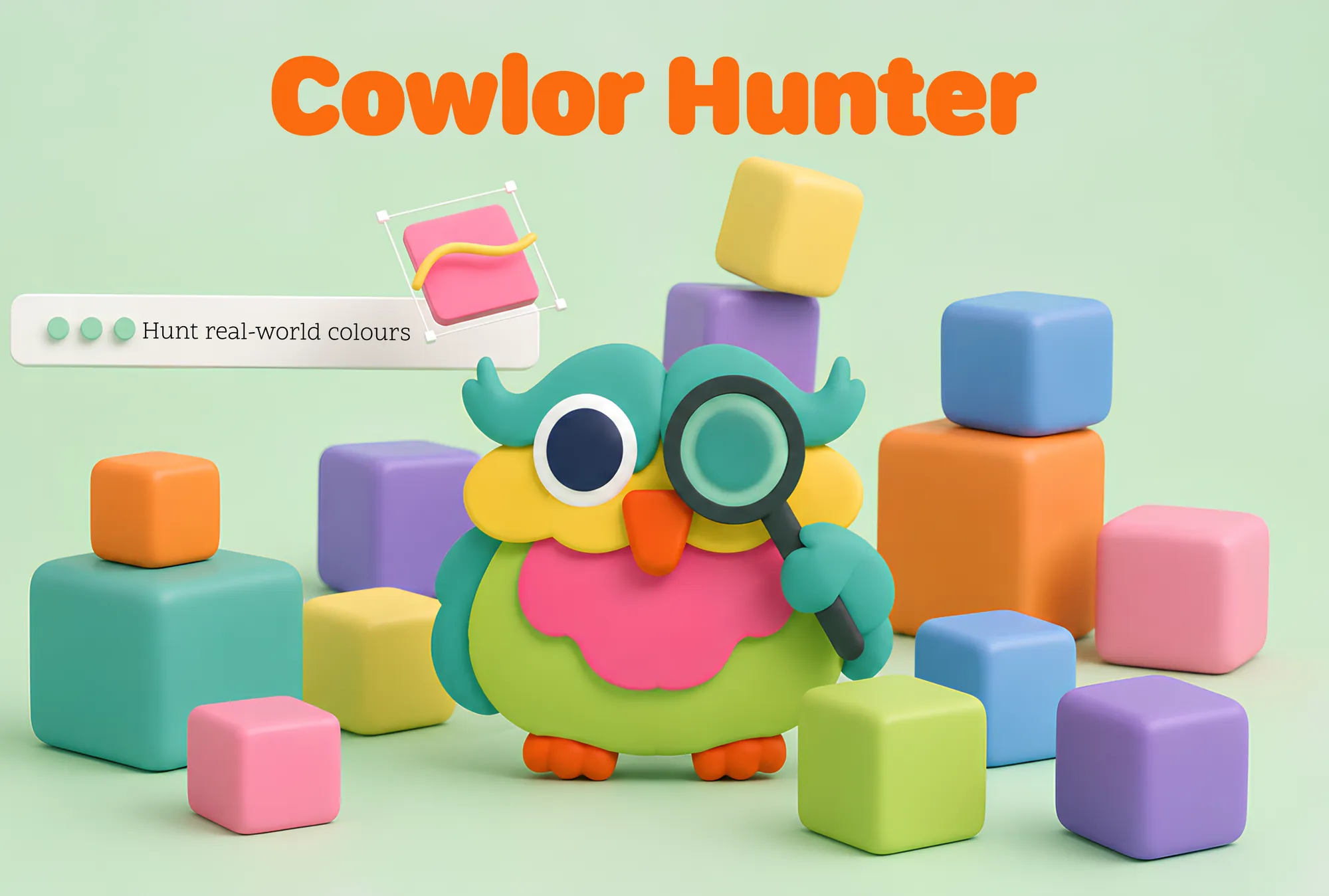
An iOS playground app where children hunt real-world colours with the camera and use them to paint.
- Role
- Designer & developer
- Client
- Apple Swift Student Challenge 2026
- Year
- 2026
The problem
The idea didn’t come from a brief, but from real experiences. During my two years at the Apple Developer Academy (PIER program) I worked on projects for children with cognitive differences, including an app for dyslexia and dysgraphia, and I collaborated with an NGO running inclusion programs in South African schools.
From these experiences the same pattern kept emerging: digital learning tools assume that children stay still, focus on abstract concepts and learn in a linear way. For many neurodivergent children, with ADHD, autism spectrum traits or sensory differences, this approach doesn’t just fail to work: it generates frustration.
The real world around them is full of colour and stimuli, but these tools never use it: they replace it with a screen. I wanted to build something that did the opposite.
The approach
At the heart of the project is what research calls embodied learning, learning through the body: the child doesn’t receive information passively, but moves, explores and brings the world into the app.
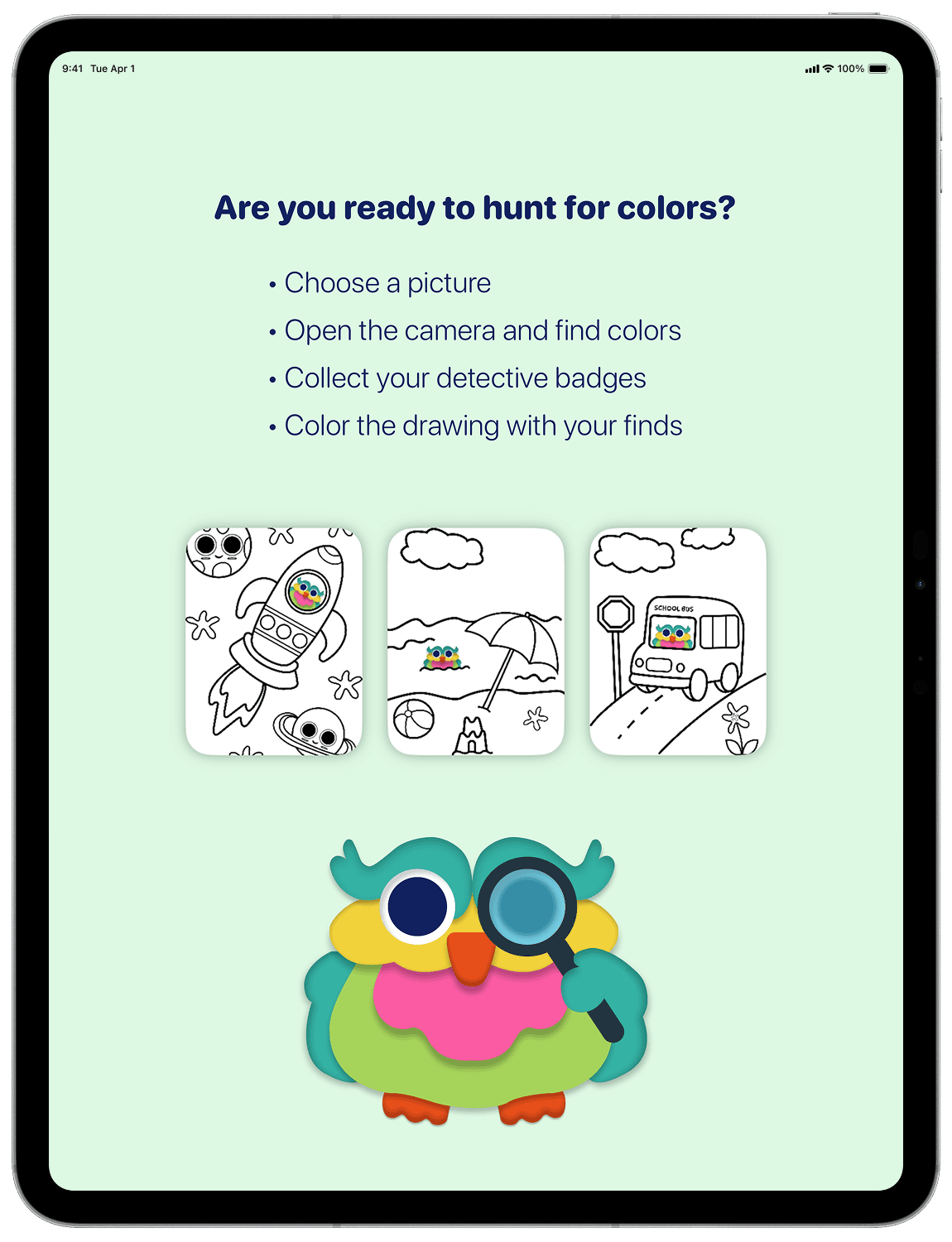
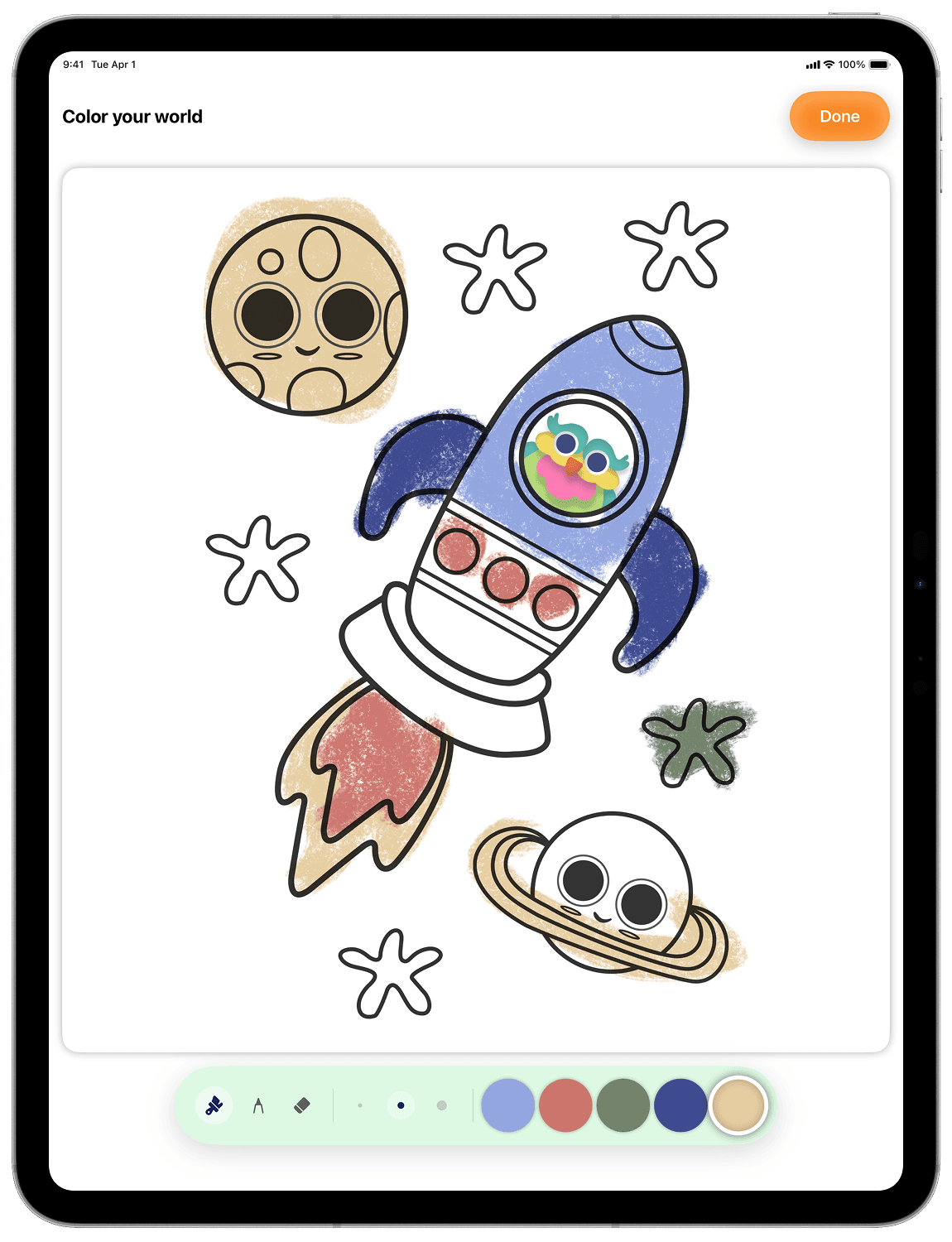
The mechanic is simple: you point the camera at an object, hold the screen to capture its colour and watch it appear in your palette. Those real colours then become the tools to paint a digital illustration. The world becomes the tool.
Every choice was made for a precise user: a neurodivergent child aged 4 to 6, who does best when they have control and proceed at their own pace, without pressure. This meant:
- No timer, no score, no wrong answer - A "hold to capture" mechanic that requires an intentional gesture and avoids accidental taps - Colours described with sensory language (warmth, intensity, brightness) instead of rigid names, often meaningless to those with colour blindness or cognitive differences - An idle animation that gently draws attention back without interrupting
The goal: an experience in which no child can feel they are in the wrong.
Design and accessibility
Accessibility wasn’t bolted on at the end: it was the starting point.
Every colour combination in the interface meets WCAG AA contrast standards. If the user has enabled the system setting to reduce motion, the app automatically disables non-essential animations, such as the palette’s "breathing" effect and the opening transitions, for those sensitive to movement.
VoiceOver support is complete. Each colour in the palette is read aloud with a description based on its qualities, for example "dark, warm and intense colour", rather than with a name. This keeps the feedback meaningful even for those with visual impairments or colour blindness.
The mascot, the three illustrations to colour in, the badges and the icons were all drawn entirely by me, keeping a warm, playful and low-stimulation visual language.
Technical aspects
The biggest challenge was making real-time colour recognition work. While the child holds down on the screen, the app continuously analyses the camera image, measures the average colour of the area framed at the centre and brings it into the palette with no perceptible delay.
In parallel, the app recognises the objects being framed, so the "hunt" becomes even more engaging. All of this recognition happens directly on the device.
For drawing I used Apple’s native tools: crayon and pen, Apple Pencil support and built-in undo and redo.
The app works entirely offline. No connection is needed: everything it requires, including the system that recognises objects, is already contained within it.
Reflections
Cowlor Hunter took me into new territory. Teaching the app to recognise objects in real time was the challenge I had set myself, and it’s there, with all the difficulty it involved, that I grew the most on the technical side.
But the deeper lesson is about design. When you design for users often left out of the conversation, every small decision weighs more. The hold-to-capture gesture, the sensory descriptions of the colours, the absence of a score: none of these is an obvious choice. They are the result of thinking carefully about the person on the other side of the screen.
It’s a small project, a playground. But it points to a direction I want to keep going in: technology that widens who can take part, not just how fast they can get there.
Next Project